Precision Marking: A Guide to Ordering Laser-Marked Barcodes
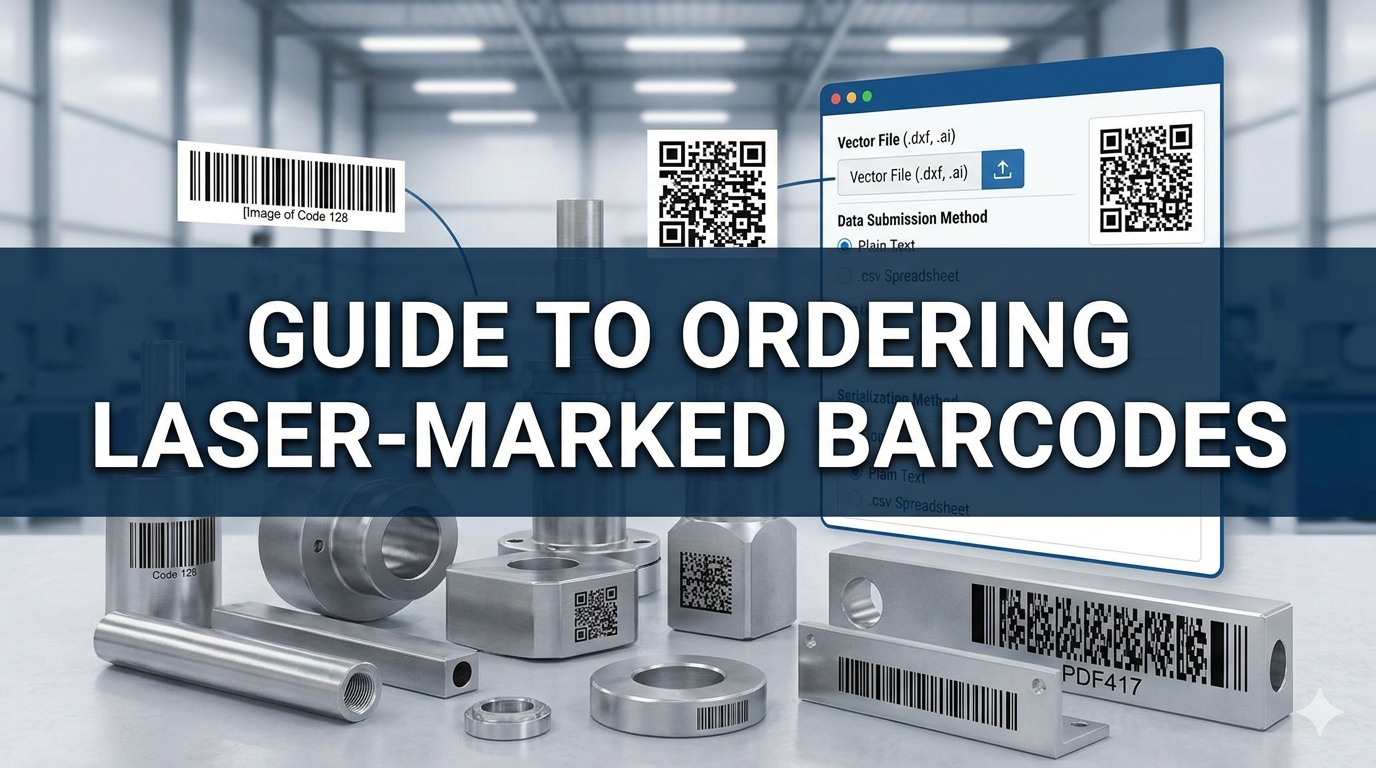
In the world of manufacturing and logistics, traceability is everything. Laser marking provides a permanent, high-contrast solution for tracking parts, but getting the best result requires more than just sending over a logo. To ensure your barcodes are scannable and durable, it is important to understand the technology and the proper way to submit your order.
Understanding Barcode Types
Before placing an order, you need to decide which symbology best fits your application. Barcodes are generally split into two categories: 1D (linear) and 2D (matrix).
Common 1D Barcodes
These are the traditional "picket fence" style codes. They are reliable but limited in the amount of data they can hold.
UPC (Universal Product Code): The standard for retail packaging.
EAN (European Article Number): The international counterpart to the UPC.
Code 128: A high-density barcode that can store any character of the ASCII 128 character set.
Code 39: One of the oldest types, often used in automotive and defense industries.
Common 2D Barcodes
These codes store data both horizontally and vertically, allowing for significantly more information in a smaller footprint.
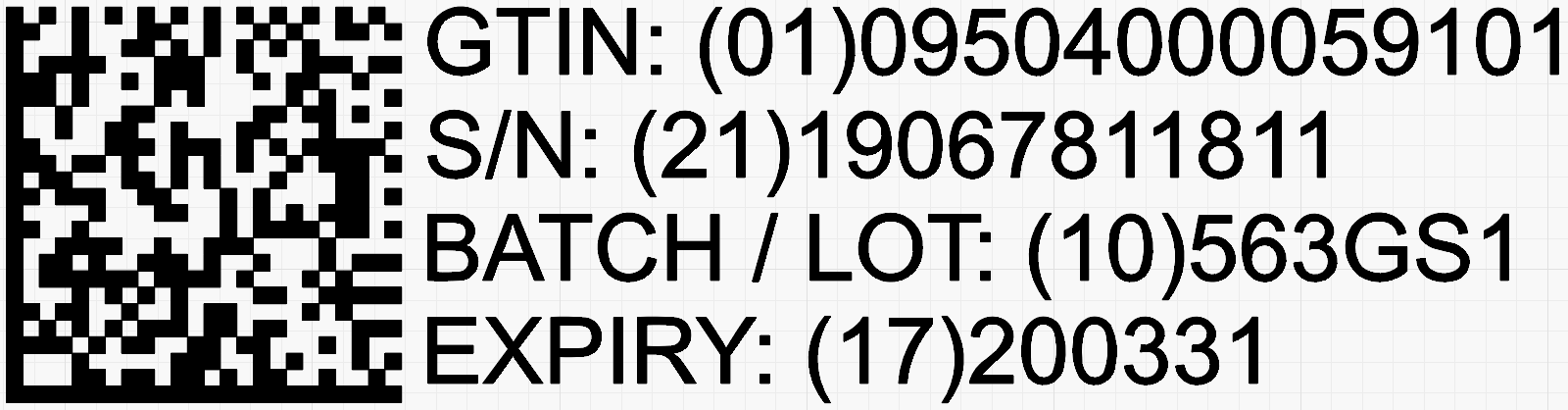
Sample GS1 Data Matrix Code
QR Code (Quick Response): Popular for its fast readability and high storage capacity.
Data Matrix: Ideal for marking small components, as it can be scaled down to a very small size while remaining readable.
PDF417: A "stacked" linear barcode used for high-data applications like ID cards.
Aztec Code: Often used in transport industries (like airline tickets) because it requires less "quiet zone" space around the edges.
Why Software-Generated Barcodes Reign Supreme
A common mistake is providing a static image file (like a .JPG or .PNG) of a barcode. For laser marking, it is always better to let the marking software generate the barcode.
Here’s why:
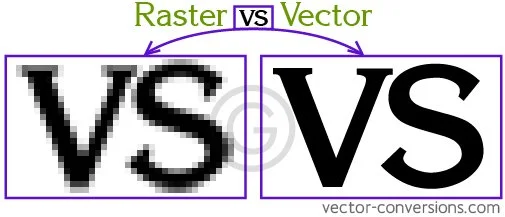
Crispness and Usability: Images are made of pixels. When a laser tries to replicate those pixels, the edges can become fuzzy. Software-generated codes use vector-based logic, ensuring the laser paths are perfectly sharp, which is critical for scanner "read rates."
Dynamic Data: If you need serialized data (e.g., each part has a unique number), an image won't work. Marking software can automatically increment serial numbers or pull data from a database.
Pro Tip: Use Vector Files for Layouts
If your marking requirement includes logos, custom borders, or specific technical drawings alongside the barcodes, avoid raster images whenever possible.
Instead, send your layouts in vector formats such as:
DXF (Drawing Exchange Format): The gold standard for CAD and laser software.
Adobe Illustrator (.AI) or EPS: Great for high-fidelity logos and brand assets.
Why vectors? Unlike JPEGs, vector files consist of mathematical paths. This allows the laser software to "see" the exact lines it needs to follow. It eliminates the need for the technician to manually trace your artwork, ensuring 100% accuracy to your original design and significantly faster setup times.
Handling Serialized and Dynamic Data
If your project requires unique identifiers for every part, you have two primary options for delivery:
Interval Marking: Provide the starting serial number and the increment interval (e.g., "Start at 001, increment by 1"). The software handles the rest.
Data Spreadsheets: For non-sequential or complex data, send a .csv file or spreadsheet. The software will index through each row, ensuring every part is marked with the correct corresponding data.
How to Order Your Laser Marking
To ensure your order is processed quickly and accurately, please provide a clear drawing or digital mock-up that includes:
Layout Specifications: Clearly show the font type, text size, and exact placement on the part.
Barcode Specs: Specify the desired height and the specific type of barcode. Remember: the more information you want to store, the larger the barcode may need to be to remain readable.
Plain Text Data: Always send the data to be encoded in a plain text format (copy-pasteable). This eliminates the risk of typos that occur when manually re-entering data from an image.
Serialization Requirements: If you need unique numbering, clearly state the sequence or provide the data file as mentioned above.
By providing clean data and letting the software handle the rendering, you ensure that your parts are not only marked permanently but are easily scannable throughout their entire lifecycle.